#sudo apt update
#sudo apt install -y software-properties-common
#sudo add-apt-repository “deb https://packages.grafana.com/oss/deb stable main”
#wget -q -O – https://packages.grafana.com/gpg.key | sudo apt-key add –
#sudo apt update
#sudo apt install grafana
#sudo systemctl start grafana-server
#sudo systemctl enable grafana-server
#sudo systemctl status grafana-server
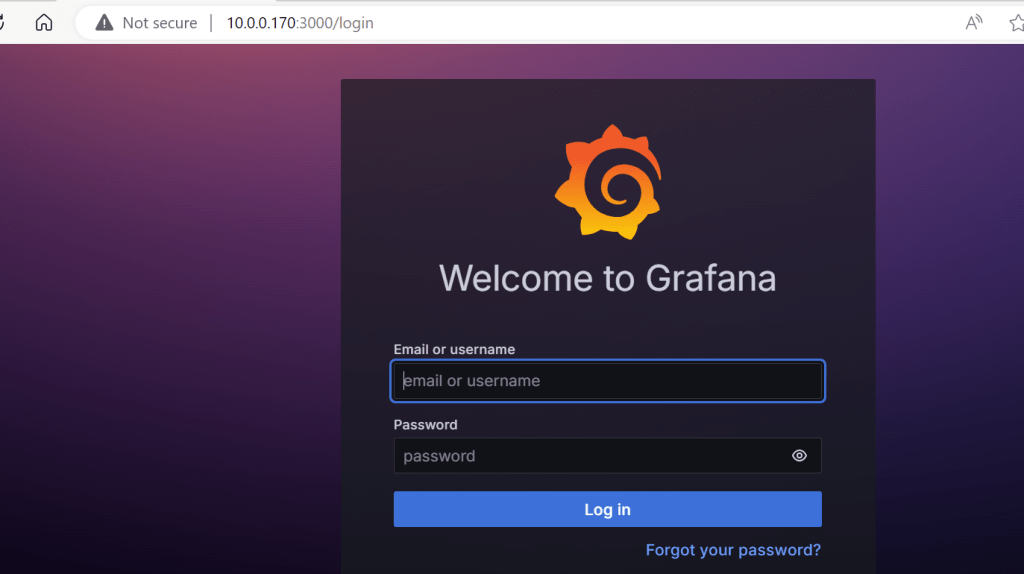
http://your_server_ip_or_domain:3000
The default credentials for Grafana are:
- Username:
admin - Password:
admin
 "Share Knowledge"
Leave a comment