Please follow the below steps.We are tried it in Virtual Box;
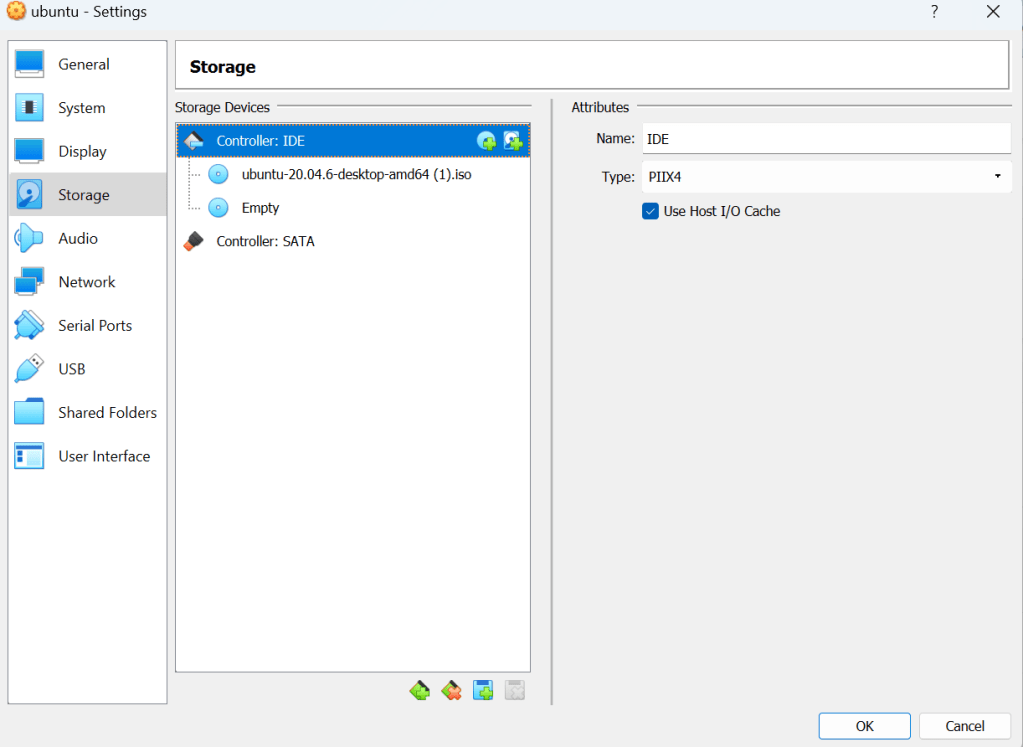
1.Please Add the Ubuntu ISO in Storage Settings.
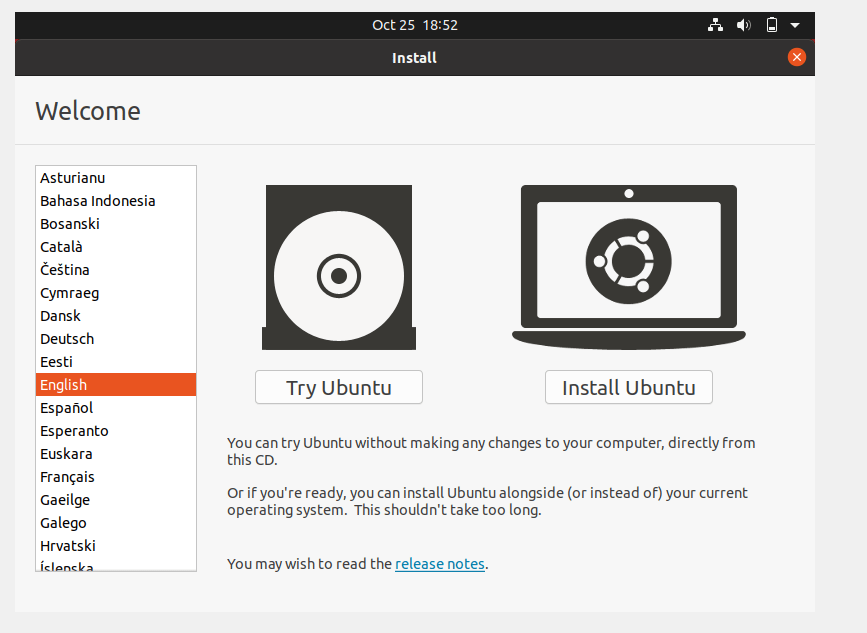
2.Boot the Machine ;It will Boot in Installation page;“Select Try Ubuntu”
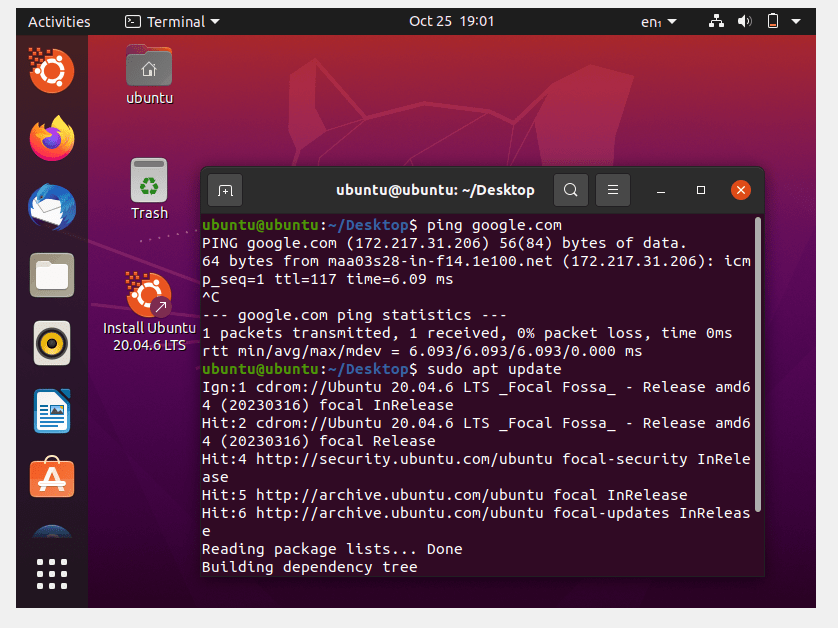
3.Now You can Access it.Able to Connect Internet and Take SSH Connection Also.

 "Share Knowledge"
Leave a comment