Please follow the Below Steps;
1.Install xrdp using below command;
#apt install xrdp
2.Check xrdp status;
#systemctl status xrdp

3.Check ip and connect from Remmina in Ubuntu
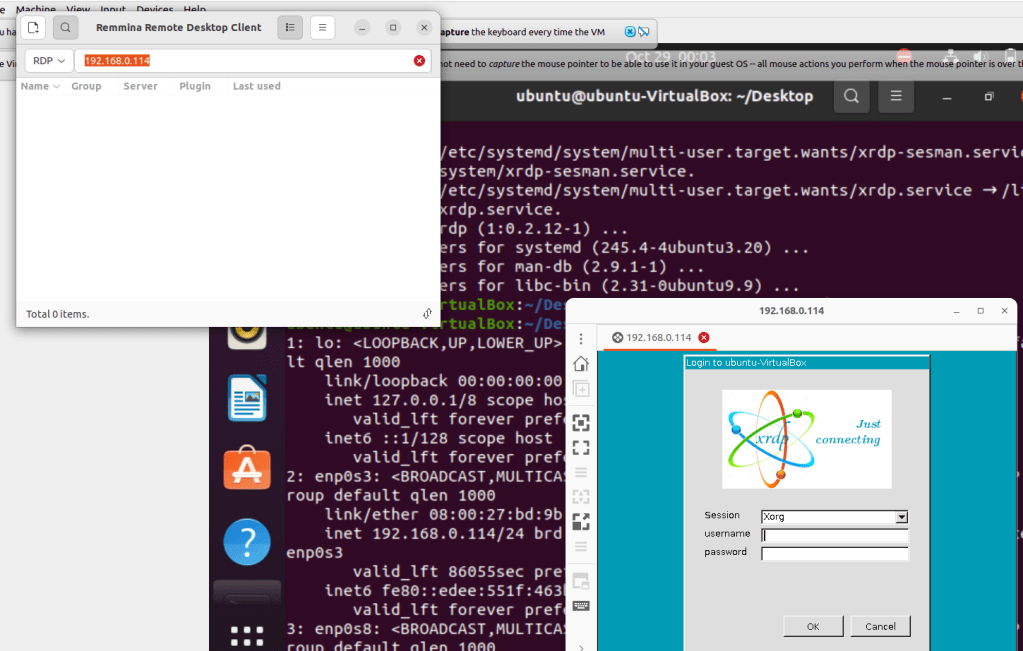
4.Please Enter the Credentials;
5.Now we can Able to take Remote;or If you are facing Black screen Issue Please follow the below steps;
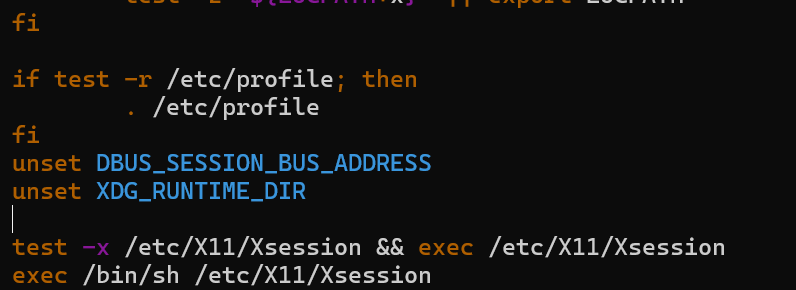
Add the below Lines in config file;
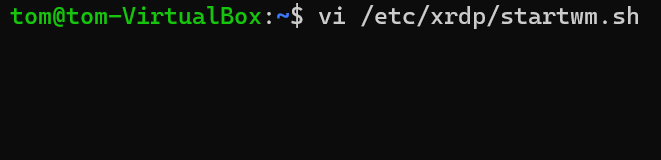
vi /etc/xrdp/startwm.sh
unset DBUS_SESSION_BUS_ADDRESS
unset XDG_RUNTIME_DIR
6.Please restart the xrdp service;
#systemctl restart xrdp
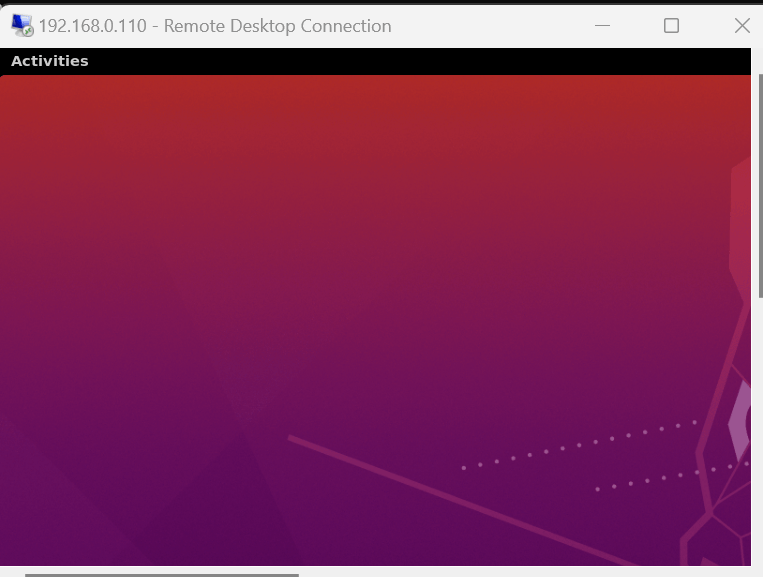
7.Now we cn able to Take Remote from Ubuntu Using Remmina;

 "Share Knowledge"
Leave a comment