“INSTALLATION OF ALL TOOLS“
–JENKINS;
INSTALLATION-UBUNTU.20.04:
#sudo wget -O /usr/share/keyrings/jenkins-keyring.asc \
https://pkg.jenkins.io/debian-stable/jenkins.io-2023.key
echo deb [signed-by=/usr/share/keyrings/jenkins-keyring.asc] \
https://pkg.jenkins.io/debian-stable binary/ | sudo tee \
/etc/apt/sources.list.d/jenkins.list > /dev/null
sudo apt-get update
sudo apt-get install jenkins
sudo apt update
sudo apt install fontconfig openjdk-17-jre
java -version
openjdk version “17.0.8” 2023-07-18
OpenJDK Runtime Environment (build 17.0.8+7-Debian-1deb12u1)
OpenJDK 64-Bit Server VM (build 17.0.8+7-Debian-1deb12u1, mixed mode, sharing)
#sudo systemctl enable jenkins
#sudo systemctl start jenkins
#sudo systemctl status jenkins
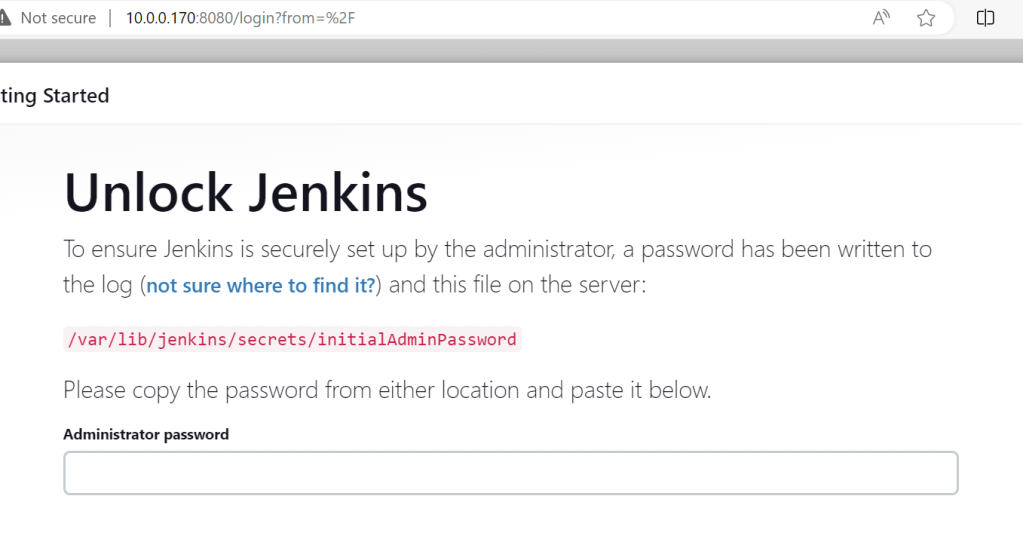
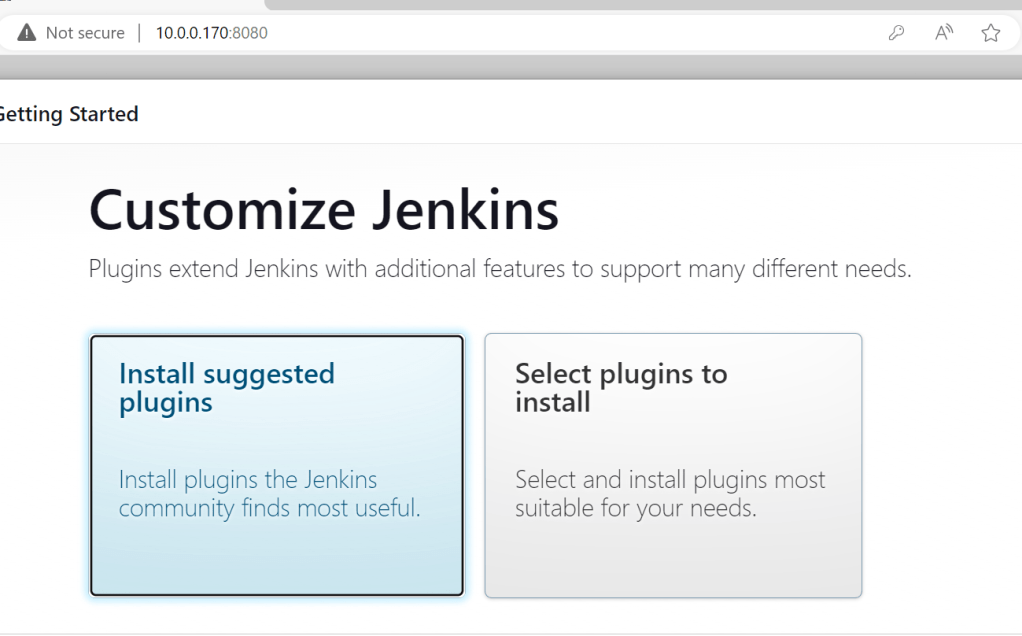

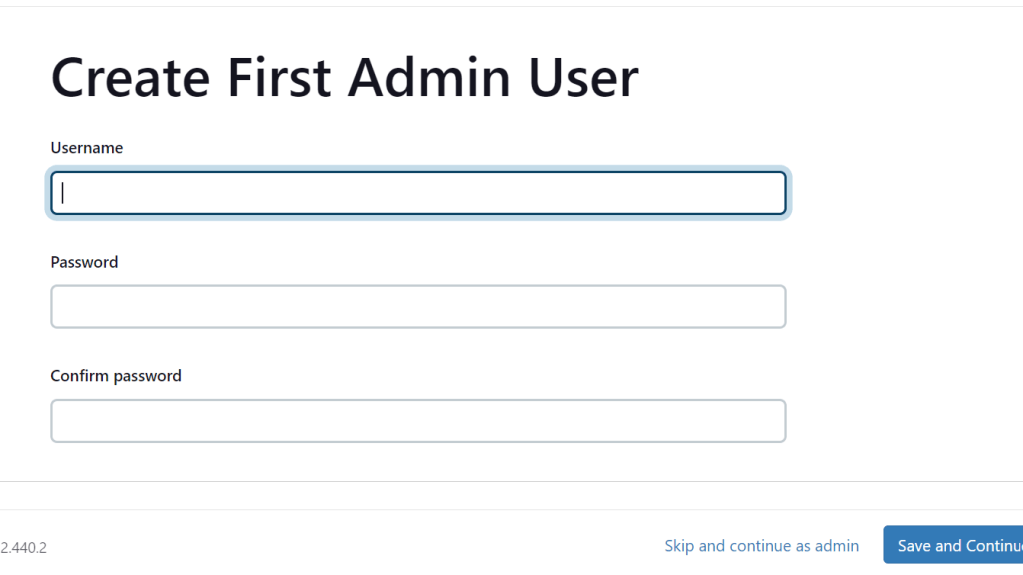
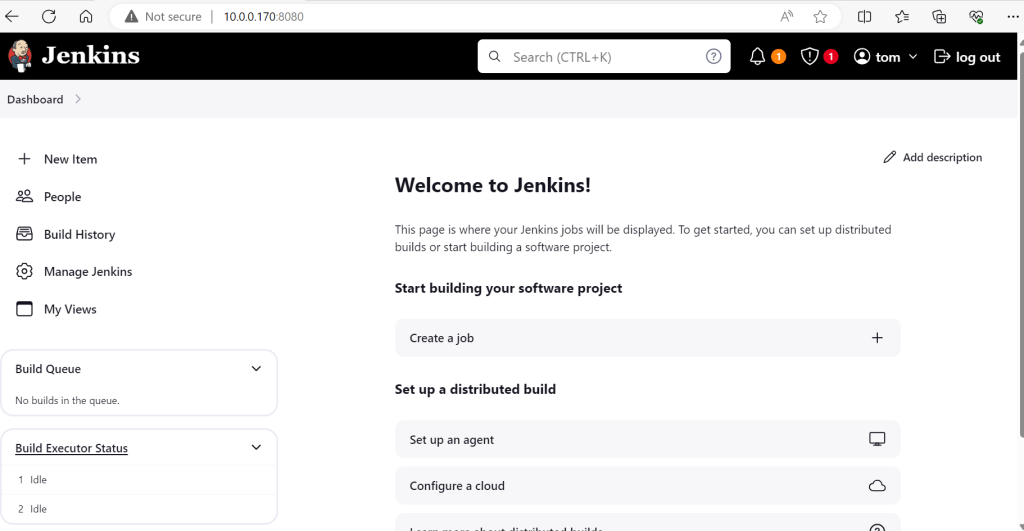
–GIT;
#sudo apt update
#sudo apt install git
#git –version
–DOCKER;
#sudo apt update
#sudo apt install apt-transport-https ca-certificates curl software-properties-common
#curl -fsSL https://download.docker.com/linux/ubuntu/gpg | sudo apt-key add –
#sudo add-apt-repository “deb [arch=amd64] https://download.docker.com/linux/ubuntu $(lsb_release -cs) stable”
#sudo apt update
#sudo apt install docker-ce
#sudo docker –version
-KUBERNETES;
MicroK8s is a lightweight Kubernetes distribution developed by Canonical, the company behind Ubuntu.
It is designed for developers and users who want to deploy and manage Kubernetes clusters easily on their local machines or small-scale environments.
#sudo snap install microk8s –classic
#sudo snap install microk8s –classic
#microk8s enable dns
#microk8s enable dashboard
#microk8s enable storage
#microk8s kubectl get all –all-namespaces
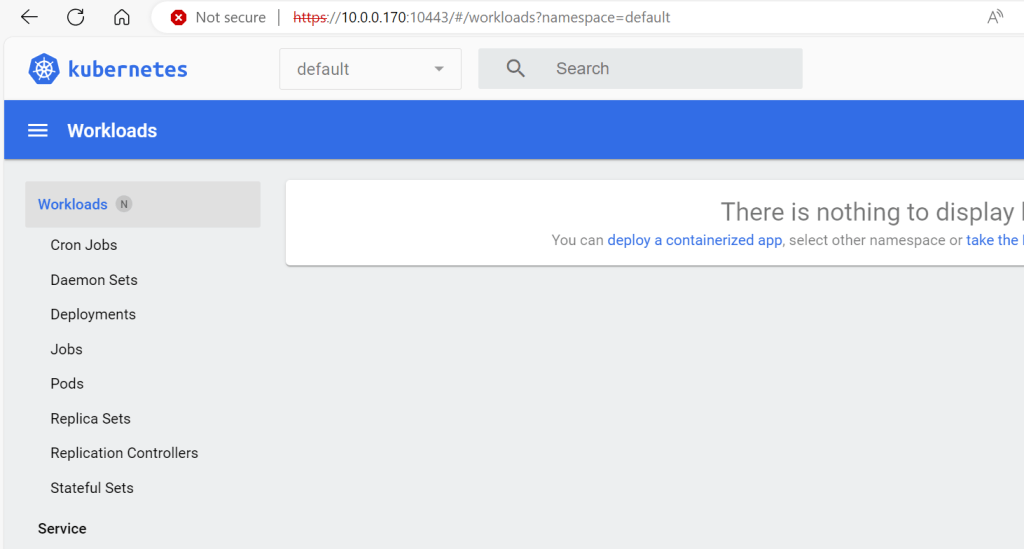
Kubernetes dashboard;
token=$(microk8s kubectl -n kube-system get secret | grep default-token | cut -d ” ” -f1)
microk8s kubectl -n kube-system describe secret $token
If it not working try below one;
#microk8s dashboard-proxy
check result
-ANSIBLE;
#sudo apt update
#sudo apt install ansible
#ansible –version
-TERRAFORM;
#wget -O- https://apt.releases.hashicorp.com/gpg | sudo gpg –dearmor -o /usr/share/keyrings/hashicorp-archive-keyring.gpg
#echo “deb [signed-by=/usr/share/keyrings/hashicorp-archive-keyring.gpg] https://apt.releases.hashicorp.com $(lsb_release -cs) main” | sudo tee /etc/apt/sources.list.d/hashicorp.list
#sudo apt update && sudo apt install terraform
#terraform –version
-PROMETHEUS;
#tar xvfz prometheus-2.33.1.linux-amd64.tar.gz
#sudo mv prometheus-2.33.1.linux-amd64 /opt/prometheus
#sudo useradd -rs /bin/false prometheus
#sudo chown -R prometheus:prometheus /opt/prometheus
#cat /opt/prometheus/prometheus.yml
Create a systemd service file for Prometheus;
#sudo nano /etc/systemd/system/prometheus.service
Add the following content:
[Unit]
Description=Prometheus
Wants=network-online.target
After=network-online.target

[Service]
User=prometheus
Group=prometheus
Type=simple
ExecStart=/opt/prometheus/prometheus --config.file=/opt/prometheus/prometheus.yml --storage.tsdb.path=/opt/prometheus/data

[Install]
WantedBy=multi-user.target

#sudo systemctl daemon-reload
#sudo systemctl start prometheus
#sudo systemctl enable prometheus

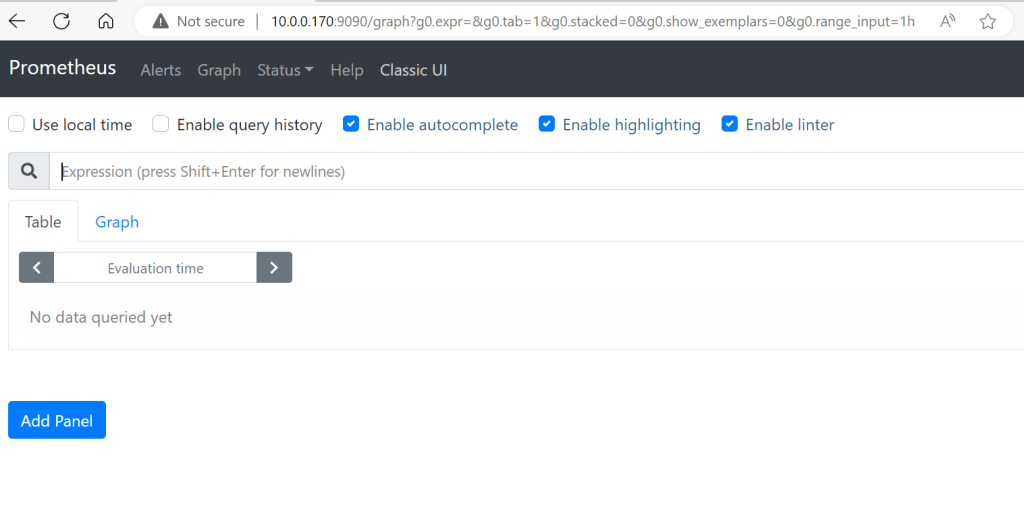
http://localhost:9090
-GRAFANA;
#sudo apt update
#sudo apt install -y software-properties-common
#sudo add-apt-repository “deb https://packages.grafana.com/oss/deb stable main”
#wget -q -O – https://packages.grafana.com/gpg.key | sudo apt-key add –
#sudo apt update
#sudo apt install grafana
#sudo systemctl start grafana-server
#sudo systemctl enable grafana-server
#sudo systemctl status grafana-server
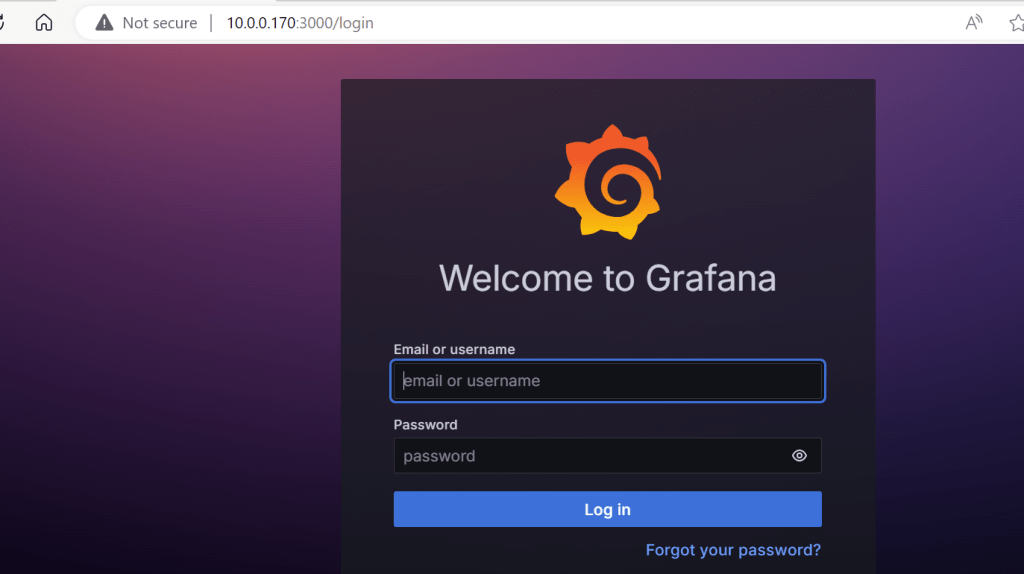
http://your_server_ip_or_domain:3000
The default credentials for Grafana are:
- Username:
admin - Password:
admin
 "Share Knowledge"
Leave a reply to DEVOPS-INTRODUCTION; – "Share Knowledge" Cancel reply